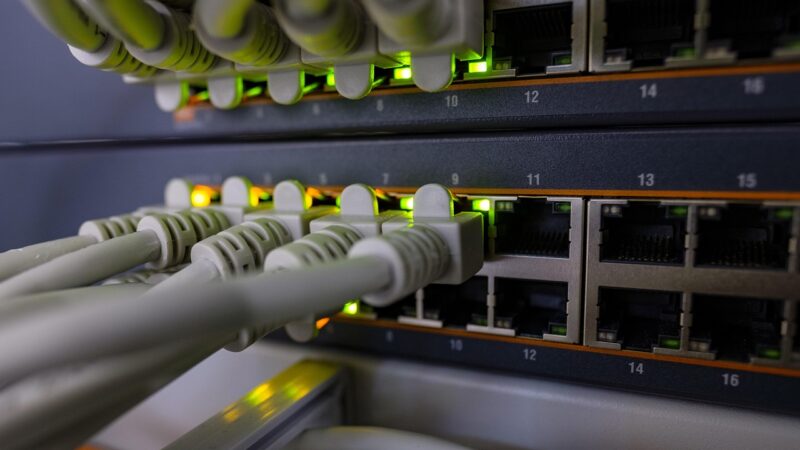
 Networking
How to Test Ethernet Cable: 4 Methods (With and Without a Tester)
How to test ethernet cable without a tester. 4 easy methods to find faults and restore your connection fast.
Practical guides for everything that keeps your devices connected and running — home networking, routers, cabling, DNS, and the everyday software that makes it all usable. No jargon, no fluff, just what actually works.
Networking
How to test ethernet cable without a tester. 4 easy methods to find faults and restore your connection fast.
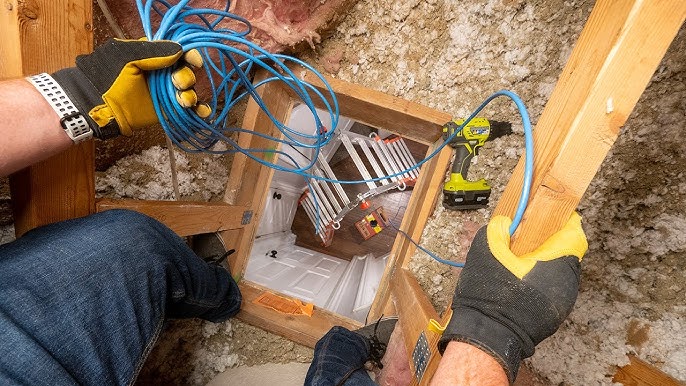 Networking
How to run ethernet cable through walls step by step — tools, drilling, fishing, terminating keystone jacks, and testing. Full DIY guide for any room.
 Networking
Ethernet not working or connected but no internet? Every cause and fix for Windows and Mac, cables, drivers, IP reset, DNS, and more.
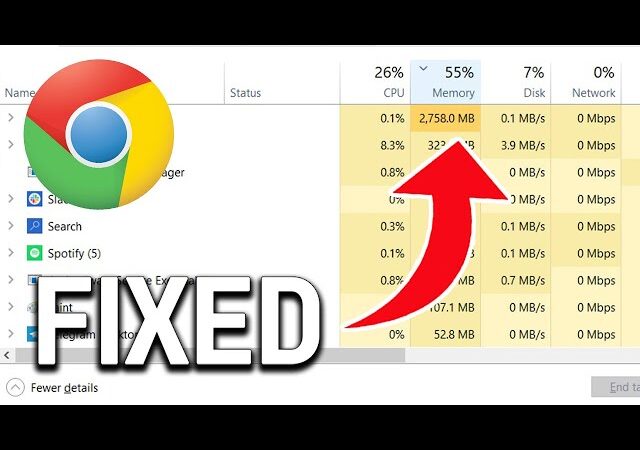 Chrome
chrome using too much memory? 7 fixes that actually work to reduce RAM usage and speed up your browser fast.
 Chrome
Disable hardware acceleration in Chrome from Settings > System to fix crashes, screen flickering, lag, high GPU usage, and compatibility issues.
 Networking
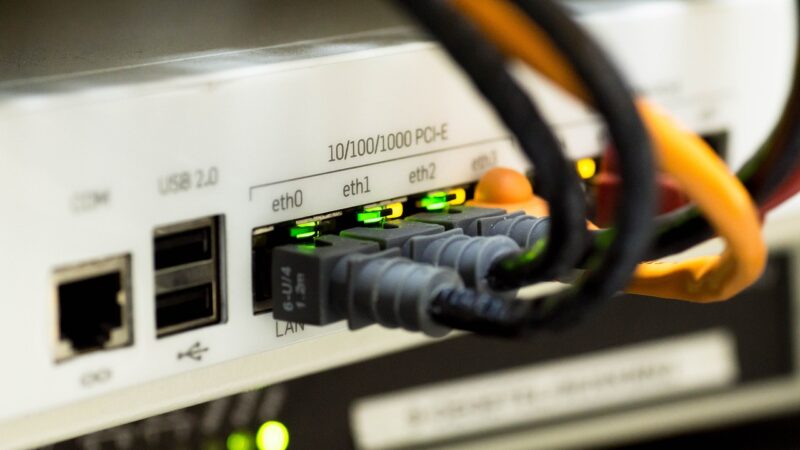
cat5e vs cat6: Cat6 supports 10 Gbps up to 55 meters vs Cat5e at 1 Gbps. Compare speed, bandwidth, price, and when to use each cable type.
 Chrome
Why is chrome so slow? Too many tabs, extensions, bloated cache, or outdated version. Here are the 8 most common causes and how to fix each one.
 Networking
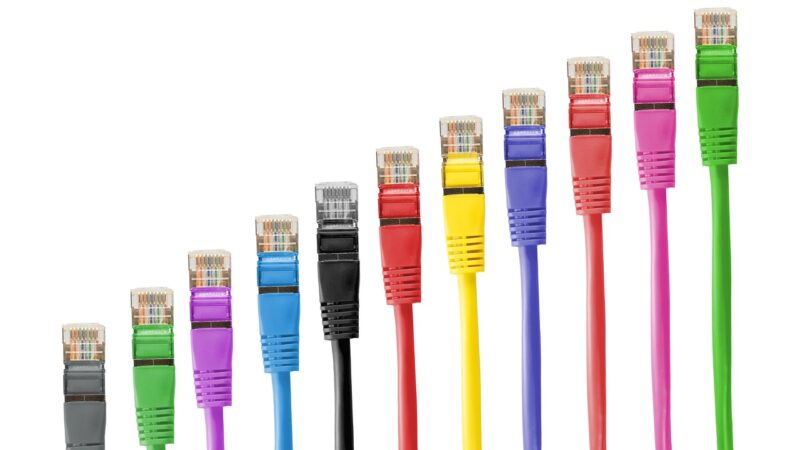
Patch cord: a short pre-made cable used to connect devices to a network. Learn the types, standards, and how patch cords differ from crossover and straight-through cables.
 Networking
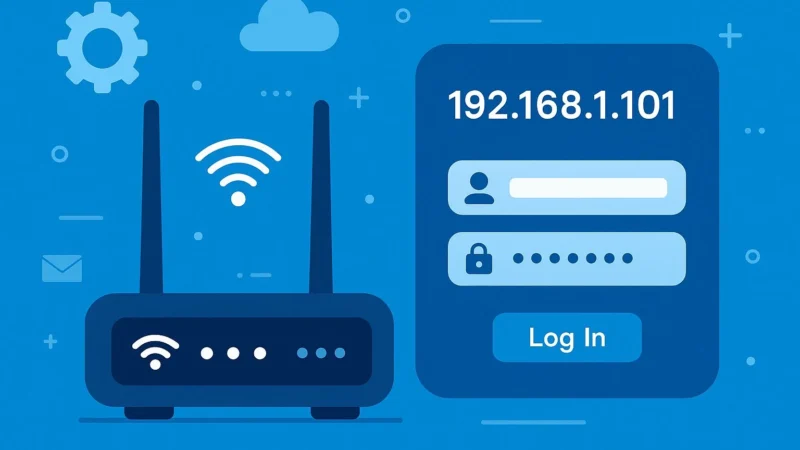
Learn how to fix 192.168.0.1 not working in minutes. This guide shows simple steps to restore router access and fix loading issues fast.
 Networking
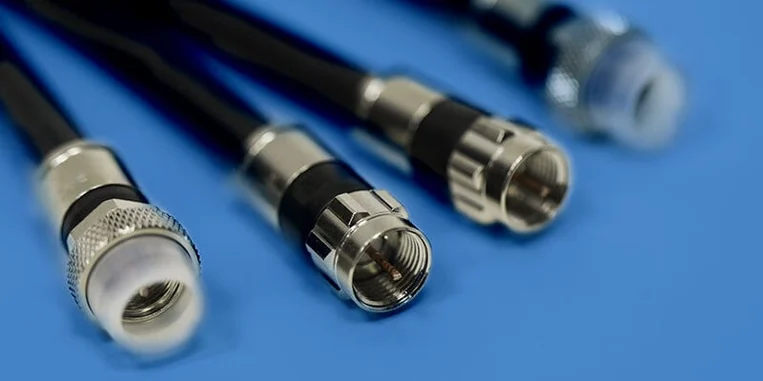
Coaxial cable features a central copper conductor surrounded by insulation and a metallic shield. Learn about its types and uses in networking, TV, and internet.