Understanding the main network cable types saves you from buying the wrong cable, wiring a run that underperforms, or replacing infrastructure sooner than necessary. Three cable types do most of the work in networking: Ethernet twisted pair, fiber optic, and coaxial. They look different, work differently, and belong in different situations.
This article is part of the complete Home Networking Guide — a single reference covering cables, hardware, IP addresses, and troubleshooting for home networks.
Ethernet Cable (Twisted Pair)
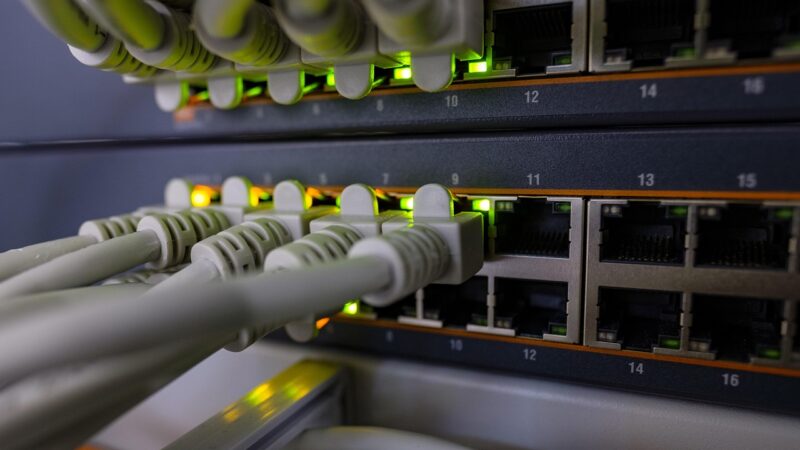
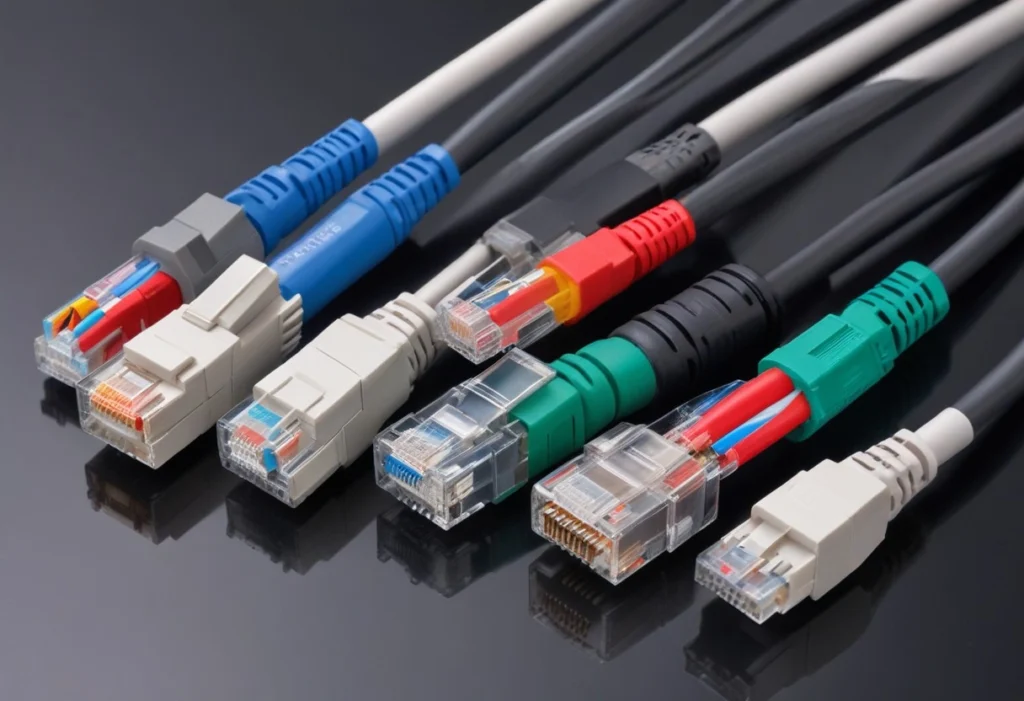
Twisted-pair Ethernet cable is what most people mean when they say “network cable.” It bundles four pairs of copper wires, each pair twisted together to reduce electromagnetic interference. The RJ-45 connector on each end clicks into your router, switch, or computer.
Network cable categories you will encounter:
- Cat5e: 1 Gbps up to 100m. Acceptable for existing home installations.
- Cat6: 10 Gbps up to 55m, 1 Gbps up to 100m. The current standard for new runs.
- Cat6A: 10 Gbps up to 100m. Used in offices and data centers.
- Cat8: 25–40 Gbps. Short runs in data centers only.
For most homes and offices, Cat6 is the right choice it costs only slightly more than Cat5e and handles any speed you will realistically need for years. See: Cat5e vs Cat6: Which Should You Use?
Fiber Optic Cable
Fiber optic cable transmits data as pulses of light through a glass or plastic core instead of electrical signals through copper. This gives it two major advantages: complete immunity to electromagnetic interference and the ability to carry signals over much longer distances without degradation.
Two main fiber types:
- Single-mode fiber (SMF): Thin 8–10 µm core, carries one light beam, reaches 100+ km. Used by ISPs and for building-to-building connections.
- Multi-mode fiber (MMF): Wider 50–62.5 µm core, up to ~2 km range, lower cost. Used within buildings and data centers.
The trade-off: fiber outperforms copper at distance and speed, but connectors, transceivers, and installation cost significantly more. The ITU-T G.652 standard defines single-mode fiber specifications used worldwide. For home use, Ethernet twisted pair handles every realistic scenario.
Coaxial Cable
Coaxial cable has a single copper conductor at its center, surrounded by insulation, a metallic shield, and an outer jacket. Its shielded structure excels at carrying TV and RF signals with minimal interference. You will find coax behind your TV, satellite dish, and cable modem not connecting computers on a local network.
Modern DOCSIS 3.1 coaxial infrastructure supports speeds up to 10 Gbps, which is why cable internet providers still deliver service over existing coax rather than replacing it. For everything about how coax works: Coaxial Cable: Complete Guide.
Network Cable Types Compared
| Cable Type | Max Speed | Max Distance | Best For |
|---|---|---|---|
| Cat6 Ethernet | 10 Gbps | 55–100m | Home and office networking |
| Single-mode Fiber | 100+ Gbps | 100+ km | ISP infrastructure, long runs |
| Multi-mode Fiber | 10–100 Gbps | Up to 2 km | Data centers, campus networks |
| Coaxial (RG-6) | ~10 Gbps | 300m | Cable TV, internet delivery, CCTV |
Which Network Cable Type Do You Need?
- Connecting a computer, TV, or console to a router? → Ethernet Cat6
- Connecting buildings or running cable beyond 100m? → Fiber optic
- Cable TV or internet from wall to modem? → Coaxial RG-6
- Replacing or extending an existing coax CCTV system? → Coaxial RG-59 or RG-6
- New home install with no existing cable? → Run Cat6 Ethernet. It handles everything short of professional data center work.
Understanding these network cable types upfront saves you from over-engineering a home run or under-speccing an office installation. The right cable depends entirely on distance, required speed, and existing infrastructure not on which type sounds more advanced. For a deeper look at the copper side: Copper Wire in Networking.
Choosing the Right Network Cable Type for Your Speed
The cable category sets the ceiling on what your connection can achieve. The rest of the chain switch ports, NIC, router has to match for the full speed to be available.
- For 1 Gbps home internet: Cat5e is technically sufficient but Cat6 is the better install. The price difference on a 10-meter run is under $5, and Cat6 gives you headroom for future upgrades.
- For 2.5G or 5G multi-gig ports: Cat6 at short runs, Cat6A for anything over 40 meters.
- For 10 Gbps: Cat6A is the minimum for reliable full-distance runs. Cat6 will work up to 55 meters.
- For gaming and streaming: Any Ethernet category beats Wi-Fi on latency. Cat5e to a gaming console is a significant upgrade over wireless regardless of internet speed.
Can You Mix Network Cable Types?
Yes and it is common in existing installations. A run that starts as Cat5e from the wall plate and connects via Cat6 patch cord to the router will operate at the speed of the weakest link: Cat5e. The cable category determines the ceiling, not the average.
When retrofitting an existing installation, the practical approach is to replace only the permanent runs (through walls and ceilings) with Cat6, since those are the hardest to change later. Patch cords at each end are easy to swap and cheap to upgrade.
Outdoor and Plenum-Rated Cable
Standard network cable types are designed for indoor use. Two specialty variants matter for specific installations:
- Outdoor/direct burial cable: UV-resistant jacket, sometimes gel-filled, rated for underground or exposed runs between buildings
- Plenum-rated cable (CMP): Required by building codes in air-handling spaces (above drop ceilings, in HVAC ducts). Uses a fire-resistant jacket that does not emit toxic smoke. Always use plenum-rated cable when running through plenum spaces standard PVC jacket cable is a fire code violation in those areas.
Frequently Asked Questions
- What are the three main network cable types?
- The three primary network cable types are Ethernet twisted pair, fiber optic, and coaxial. Each of these network cable types serves a different role: Ethernet for local connections, fiber for long distances, and coaxial for TV and ISP delivery.
- Which network cable type is best for home use?
- Cat6 Ethernet is the best network cable type for home use in nearly every situation. It is affordable, easy to install, and supports any residential internet speed currently available.
- Are all network cable types interchangeable?
- No. Different network cable types use different connectors and transmission methods. Fiber optic and coaxial network cable types require specific transceivers or adapters to connect to standard Ethernet equipment.